Let’s talk about something we all secretly want: photos that look like they belong on an influencer’s feed. You know the ones—soft, dreamy colors, perfect lighting, and that effortlessly cool vibe that makes you wonder, how do they do it? Well, spoiler alert: it’s not magic. It’s presets.
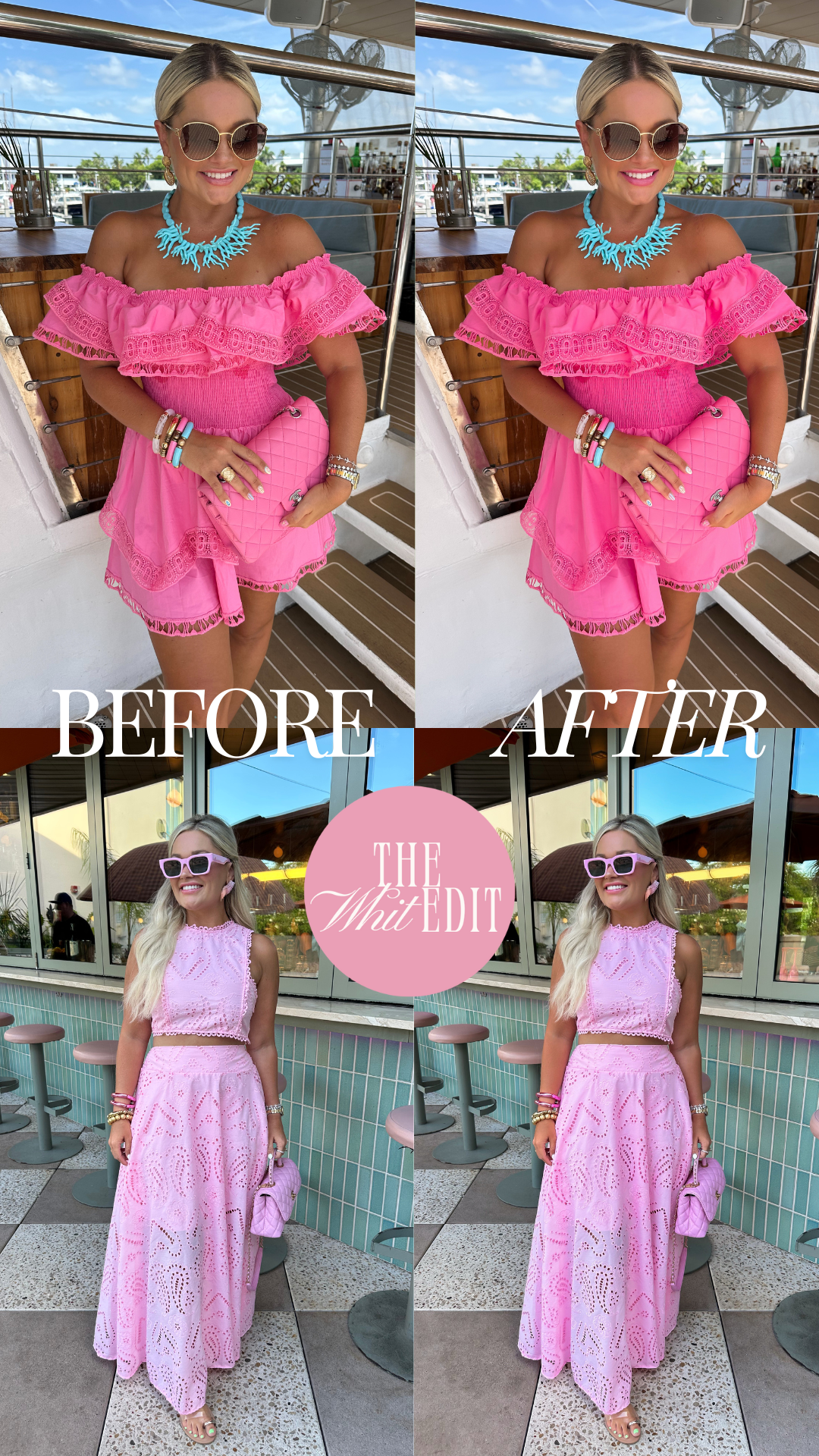
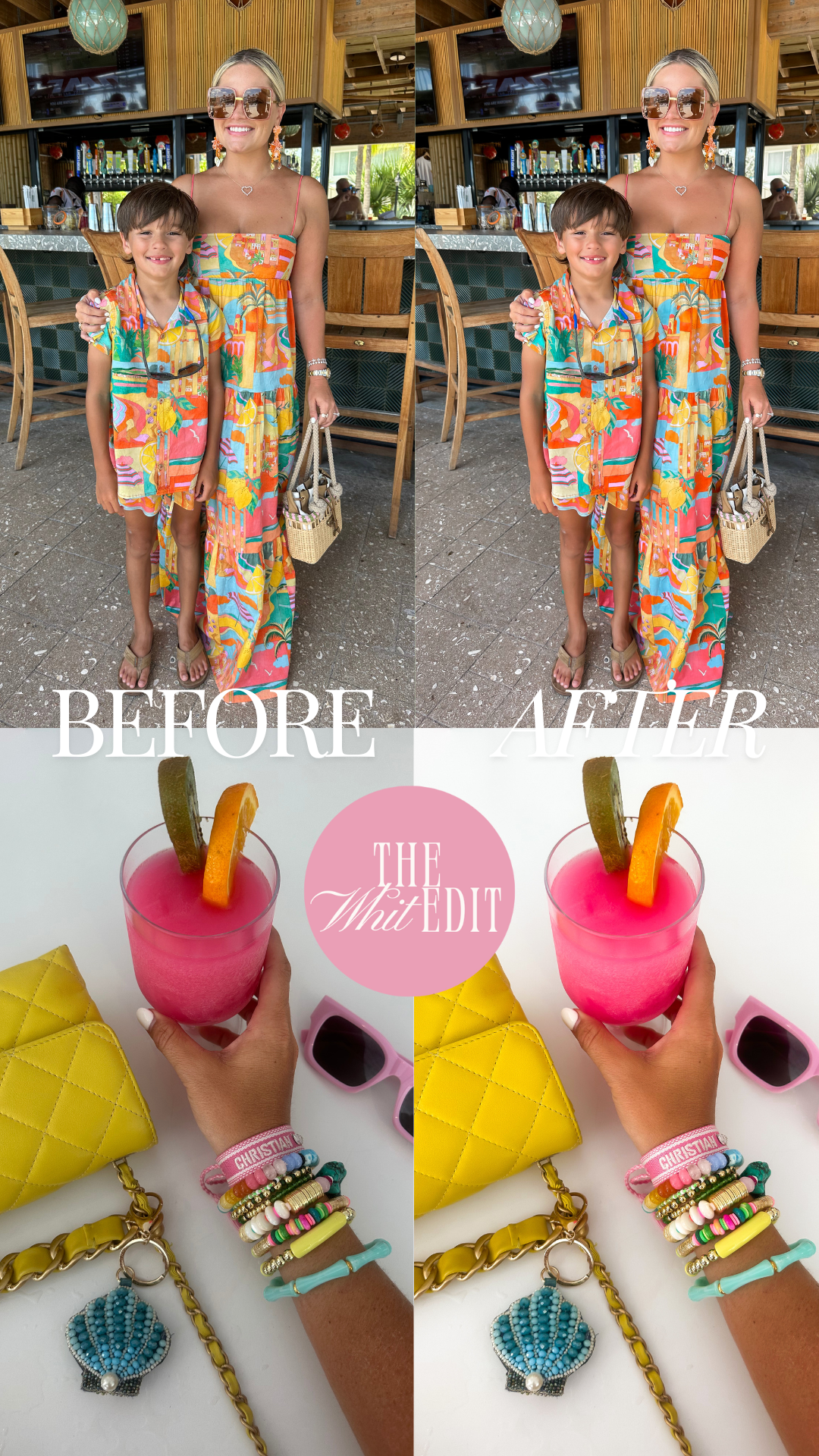
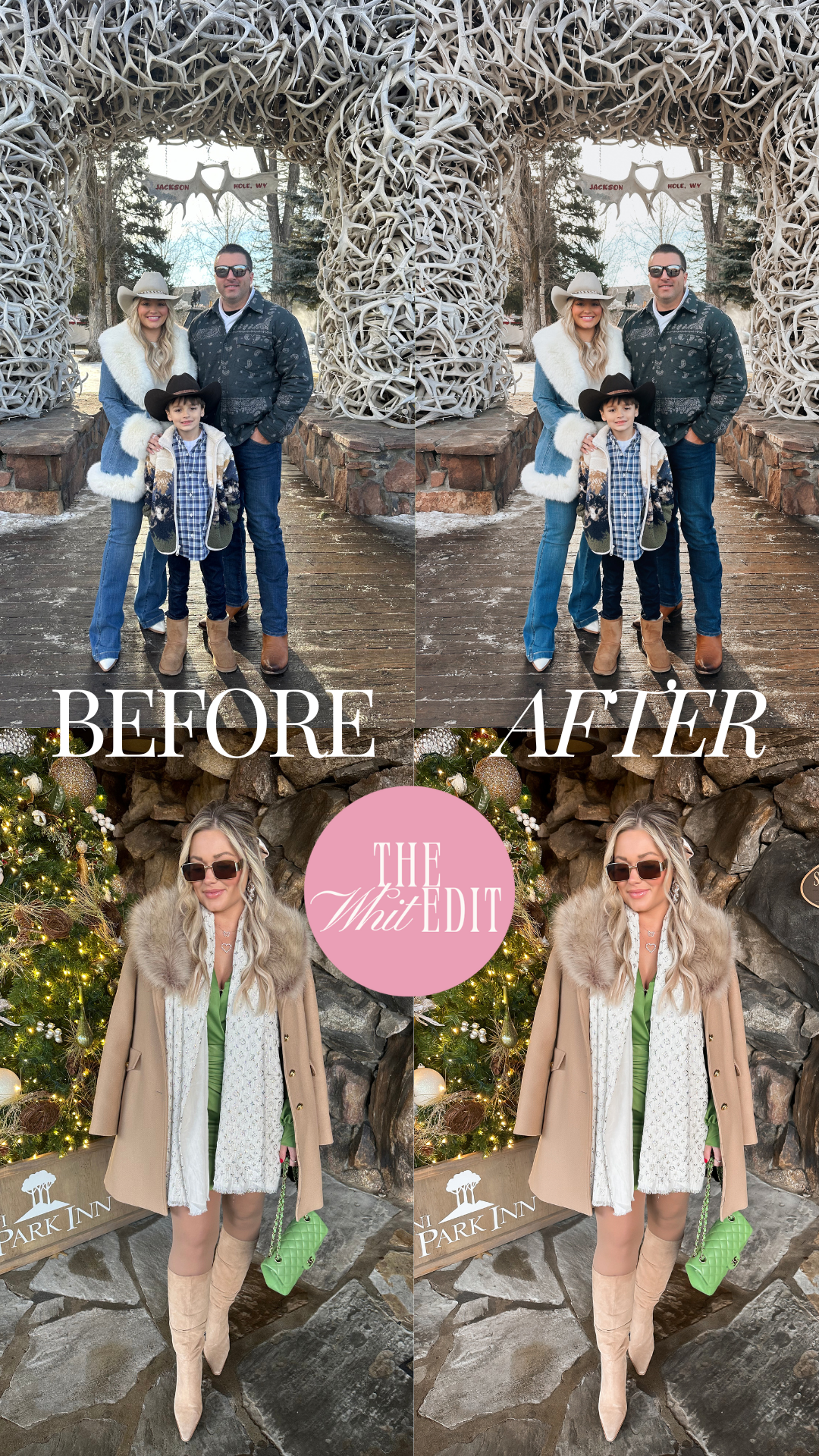
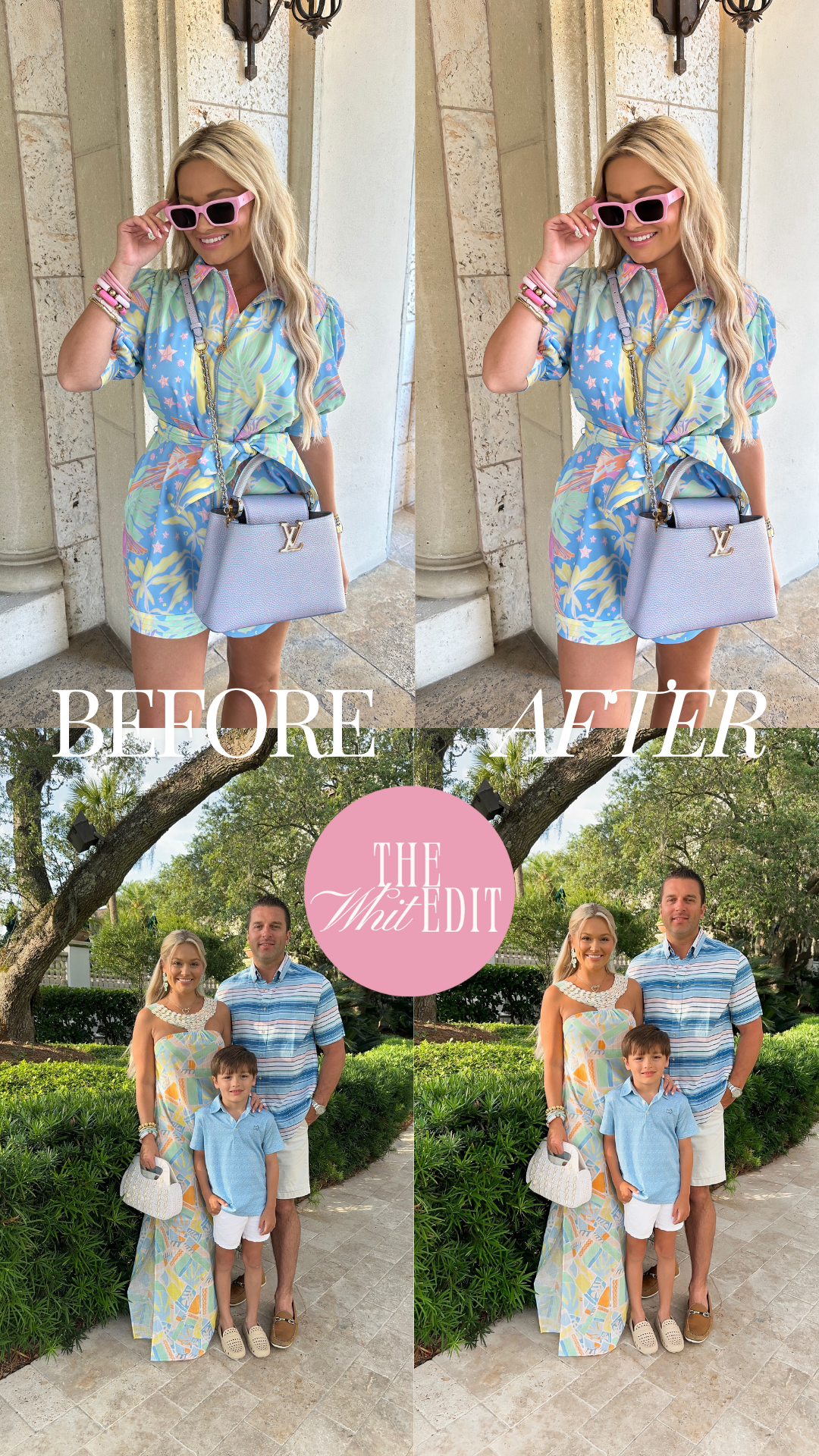
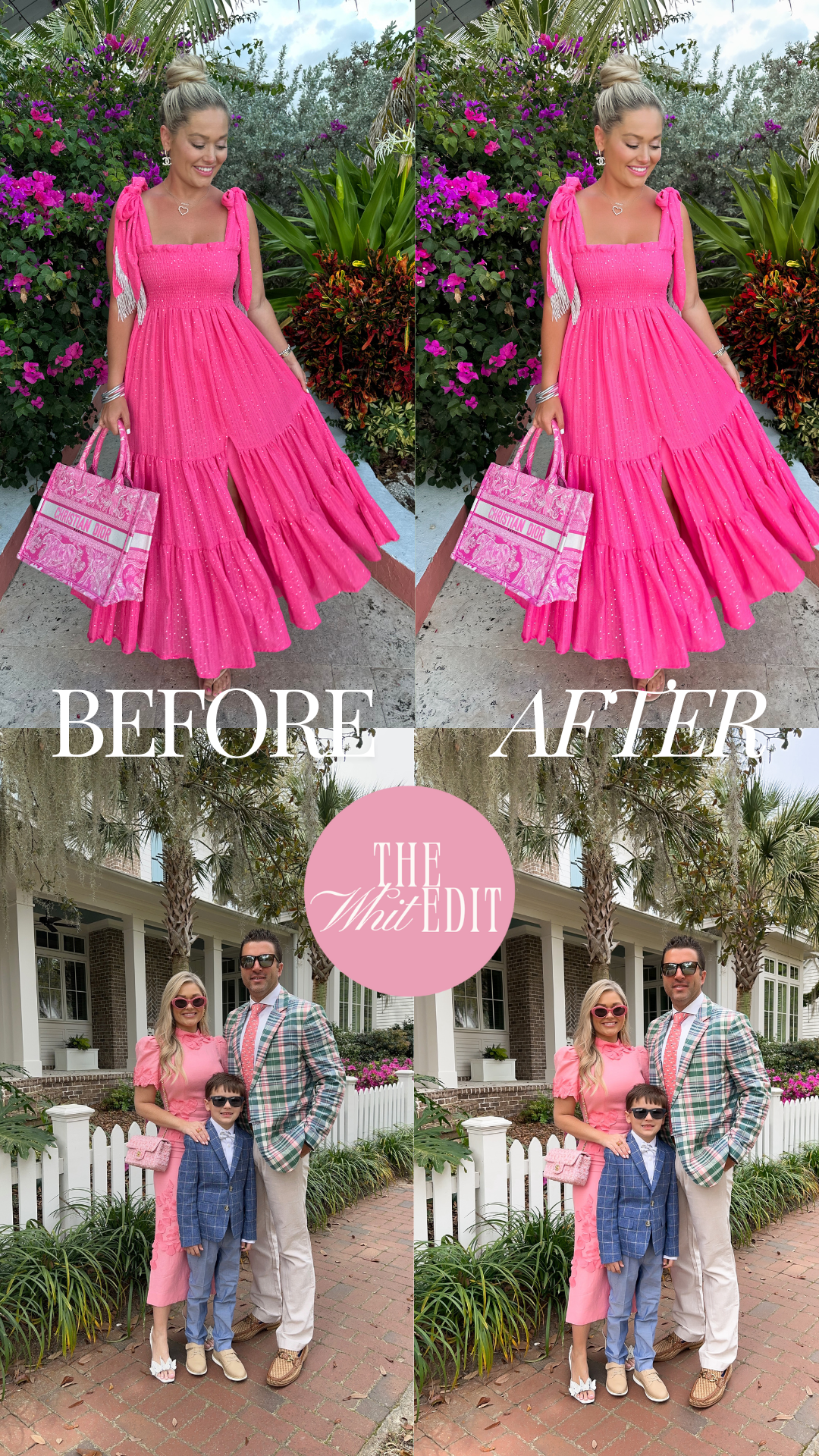
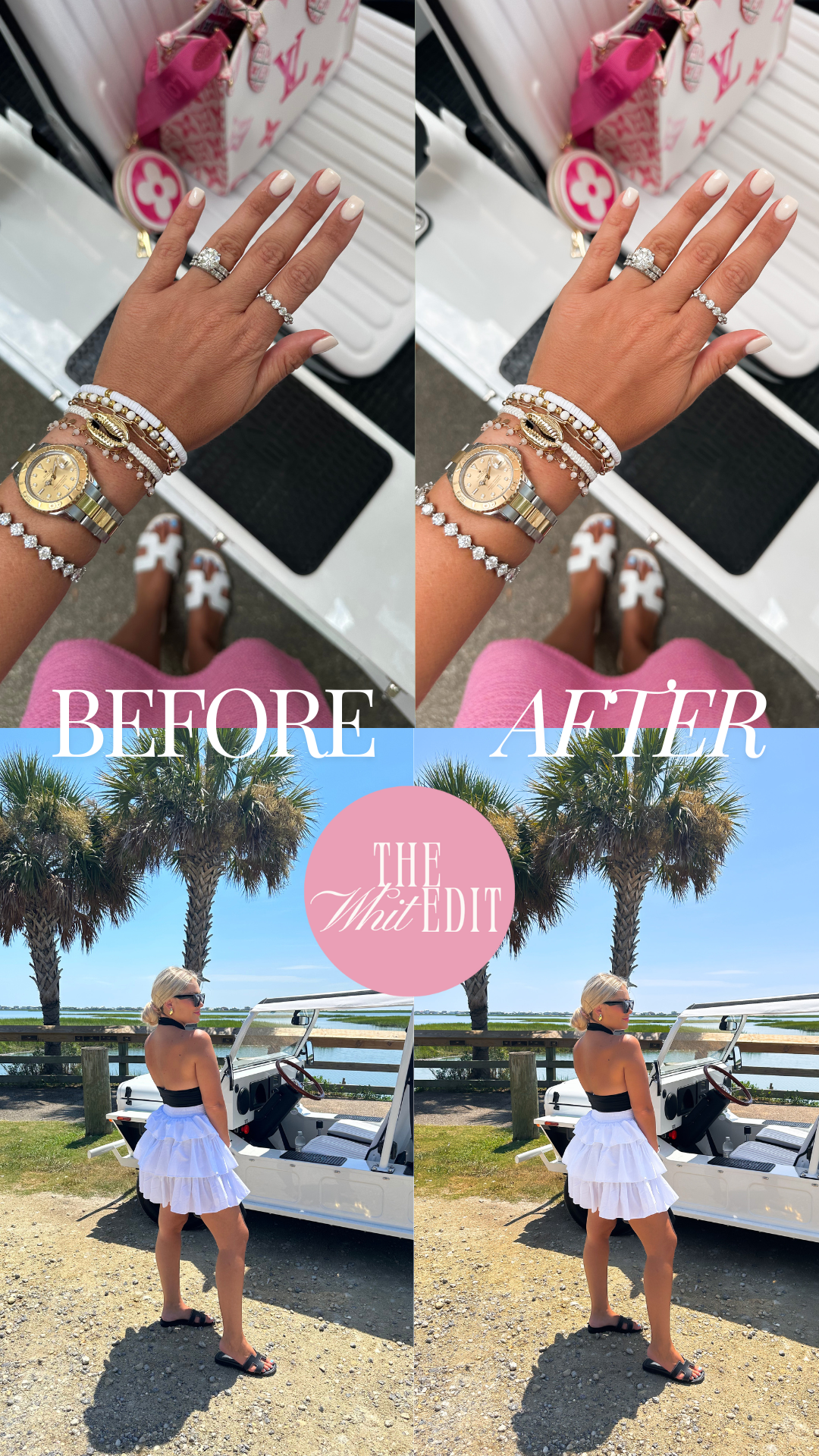
I’m so excited to share The Whit Edit, my new Lightroom preset pack that’s basically your shortcut to influencer-approved photos. These presets are designed to give your shots that polished, sun-soaked, I-just-woke-up-like-this look. Whether you’re snapping your morning matcha, a dreamy travel moment, or your dog being their adorable self (because let’s be real, they’re the real star), these presets will make your photos pop like never before.
And don’t worry—if you’re new to Lightroom, I’ve got you covered with step-by-step instructions. Let’s get your feed glowing, shall we?
Step 1: Download Your Presets
Once you’ve grabbed The Whit Edit, check your email for the order confirmation. You’ll see a button that says “View Content.” Click it, and you’ll be able to download a .ZIP file filled with all the influencer-level magic.
Step 2: Open the Presets in Lightroom
After the download is complete, you’ll find six presets waiting for you (cue the happy dance). Click on the first one, hit “Download,” and then select “Open in Lightroom.” The Lightroom app will launch automatically, like it knows you’re about to level up your photo game.
Step 3: Create a New Folder
When the photo opens in Lightroom, it’s time to get organized. Tap the folder icon and create a new folder—name it something fun like “The Whit Edit” or whatever makes you feel like the main character. Open that folder, and let’s get to work.
Step 4: Save Your Presets
Here’s where the influencer magic happens! Open the first image, tap the three dots in the top-right corner, and scroll down to “Create Preset.”
- Name your preset after the coordinating preset name (like “Lifestyle Edit” or “OOTD Edit”).
- Under “Preset Group,” select the folder you just created (The Whit Edit or your custom name).
- Hit the checkmark, and voilà! Your preset is saved.
Step 5: Repeat for All Six Presets
You’ll repeat this process for each of the six presets. It’s quick, I promise, and once you’re done, you’ll have a full set of tools to transform your photos into influencer-level masterpieces.
Pro Tip: Update Your Lightroom App
Before you start, make sure you’ve got the latest version of the free Lightroom CC app for iPhone. Trust me, it’s a must for installing and using these presets like a pro.
And that’s it! You’re officially ready to make your photos look like they belong on the feed of your favorite influencer. Whether you’re editing a golden-hour beach shot, a cozy coffee shop moment, or your latest OOTD, The Whit Edit will give your photos that dreamy, polished, how-do-they-do-it vibe.
So, what are you waiting for? Grab your presets, start editing, and get ready for your followers to flood your DMs with, “What’s your secret?!”
Don’t forget to tag me in your photos so I can share your gorgeous creations! #TheWhitEdit